How it works
Three ways a component gets into your page
Notion does not have a plugin system, so there is no single install path. There are three, each with different powers and different failure modes. This page explains all three honestly, including the things none of them can do.
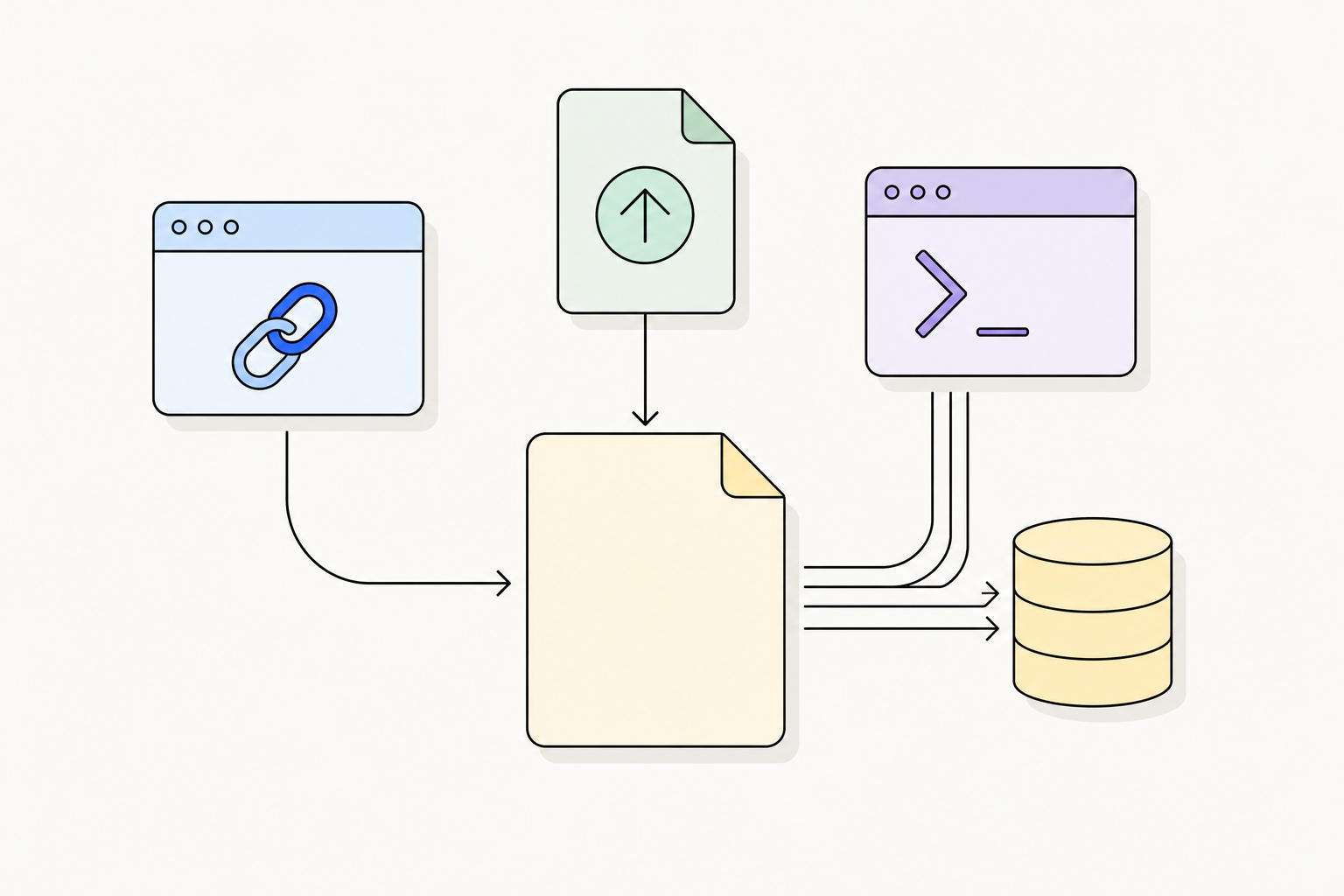
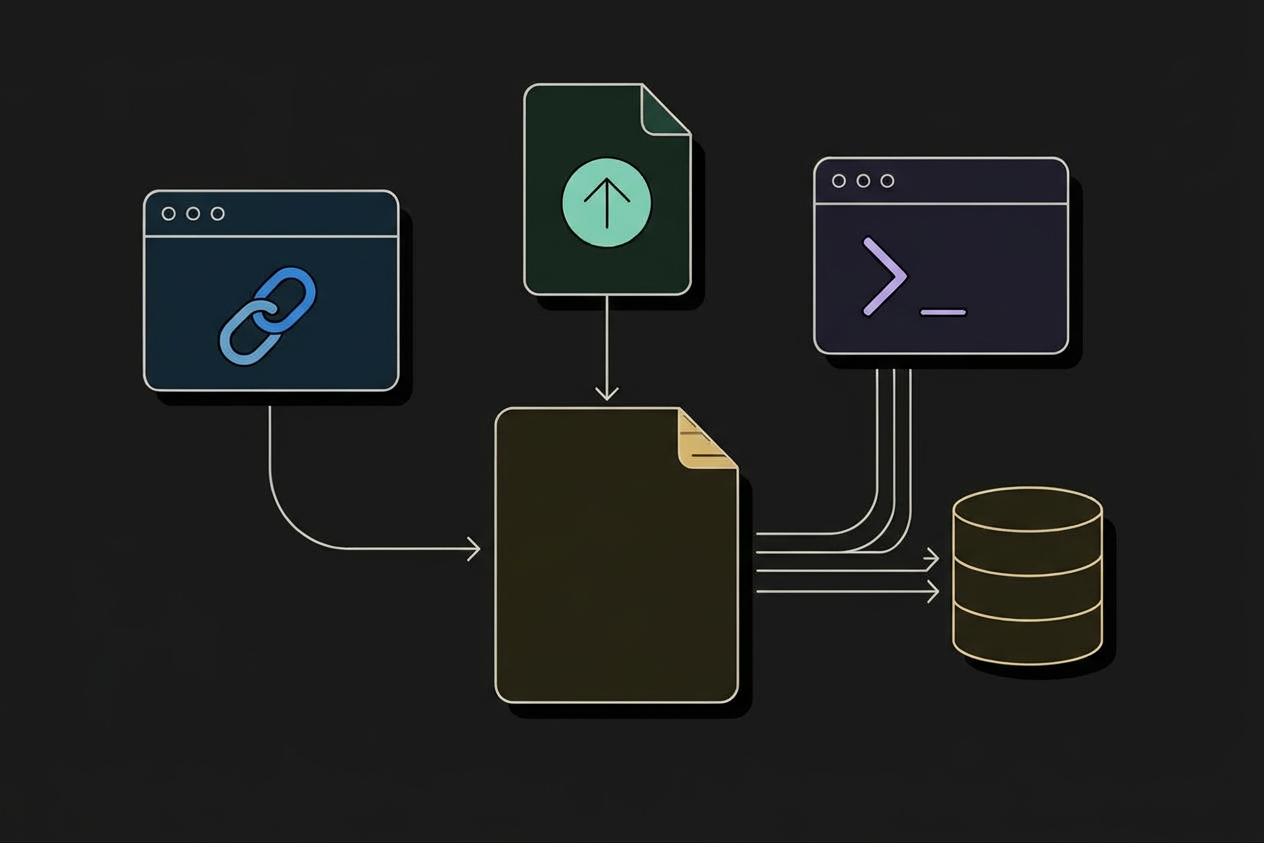
One artifact, deliberately
A widget is a single .html file: inline CSS, inline JavaScript, no dependencies, no CDN, no build step, no webfont requests. It reads its configuration from a JSON script tag or from the URL, renders itself, and never contacts a server again.
That single file is what makes both hosted and offline delivery possible without the two versions drifting apart. The /embed URL streams it with your parameters appended to the query string. The download endpoint streams the same bytes with your parameters baked into the file, because a sandboxed block has no URL to read them from.
GET /embed/pomodoro-timer
      ?work=25&short=5
      &accent=%23e03e3e

→ streams pomodoro-timer.html
→ /embed block iframes it
→ we can ship fixes to youGET /api/widget/pomodoro-timer
?work=25&short=5
→ same HTML, config injected as
<script id="bk-config">
→ /html block renders it
→ works offline, foreverEmbed URL
The oldest trick in the book, and still the fastest. Notion's /embed block iframes any URL that allows framing. We serve widgets with Content-Security-Policy: frame-ancestors * and no X-Frame-Options, so Notion can wrap them.
- 1Copy the URL from any component page
The configurator writes every control into the query string as you change it, so the URL you copy is the URL you configured.
https://notionarena.vercel.app/embed/pomodoro-timer?work=25&short=5&accent=%23e03e3e - 2In Notion, type /embed and press Enter
Choose “Embed link”, not “Upload”, which is the HTML block path.
- 3Paste and resize
Drag the block's bottom edge to set the height. Notion remembers the size per block, and the widget's layout adapts.
Native HTML block
Notion 3.6 shipped a real HTML block. It is not an iframe of a URL. it is a file you upload, stored in Notion's own file storage and rendered in a sandboxed frame with no address. The /html slash command creates one by hand, and the Notion API creates one through the File Upload endpoints.
Because the sandbox has no URL, configuration cannot come from a query string. It is injected into the file at download time as a JSON script tag that the widget reads before it renders:
<!-- injected just before </head> -->
<script id="bk-config" type="application/json">
  {"work":25,"short":5,"accent":"#e03e3e","theme":"auto"}
</script>
Installing one with the API
Three requests. This is the flow Notion documents for HTML blocks and the one Notion MCP uses internally. It just is not obvious from the block reference, because the embed block type does the double duty.
/v1/file_uploadsReserve an upload. Responds with an id, an upload_url and a size limit.
{upload_url}PUT the bytes straight to Notion's storage host with content-type: text/html.
/v1/blocks/{parent}/childrenAppend an embed block whose file_upload.id points at the upload.
# 1: reserve
curl -X POST https://api.notion.com/v1/file_uploads \
  -H "Authorization: Bearer $NOTION_TOKEN" \
  -H "Notion-Version: 2026-03-11" \
  -H "Content-Type: application/json" -d '{}'

# 2: upload the bytes to the returned upload_url
curl -X POST "$UPLOAD_URL" \
  -H "Content-Type: text/html" \
  --data-binary @pomodoro-timer.html

# 3: append the block
curl -X PATCH \
  https://api.notion.com/v1/blocks/$PAGE_ID/children \
  -H "Authorization: Bearer $NOTION_TOKEN" \
  -H "Notion-Version: 2026-03-11" \
  -H "Content-Type: application/json" \
  -d '{
    "children": [{
      "object": "block",
      "type": "embed",
      "embed": {
        "file_upload": { "id": "'"$UPLOAD_ID"'" },
        "caption": [{ "type": "text", "text": { "content": "Pomodoro" } }]
      }
    }]
  }'
The sandbox, line by line
This table is the reason our widgets are built the way they are. It is worth reading before you design anything for Notion.
Native recipe
A CRM, an OKR tree or a meeting-notes system is not a widget. It is databases with relations between them, rollups that aggregate across those relations, formulas that compute state, and views that filter the result. All of that exists in the Notion API, and all of it can be created headlessly.
The catch is ordering. Since Notion split databases from data sources, a relation property targets a data_source_id, which does not exist until the target database has been created. So a correct install is inherently two passes, and any tool that shows you a single POST /v1/databases per table is not telling you the whole story.
POST /v1/pages: everything else nests inside it, so the whole system can be deleted or duplicated as one unit.
POST /v1/databases: title, text, number, select, status, date, people, unique_id. Relations, rollups and any formula that reads them are deliberately left out.
GET /v1/databases/{id}: each new database arrives with a default data source, and its id is what relations must reference.
PATCH /v1/data_sources/{id}: now relations resolve, rollups can name a relation property, and formulas can reference both.
POST /v1/views: board groups, timeline dates, chart axes, calendar ranges, form questions. Available since Notion-Version 2026-03-11.
POST /v1/pages for seed data, then PATCH /v1/blocks/{id}/children in chunks of 100, the hard limit on children per request, and on nesting depth per request.
POST /api/install with mode: "plan" needs no credentials and returns the exact request sequence: method, path, body and a note for each one. Read it, diff it against what you expected, then spend a token. Nothing is hidden behind an OAuth handshake.button block type exists in the public API. Database automations have no endpoint. Recurring templates are a Business+ feature with no endpoint. Dashboard view layouts are read-only after creation. Recipes install everything around these gaps and then give you the click path, with the reason it is manual.The configuration contract
Every widget implements the same four rules. If you are writing your own, copy them. They are what makes a widget configurable from a URL, from a downloaded file, and from an API call without three different code paths.
If a <script id="bk-config" type="application/json"> tag exists, parse it. This is the download and API-install path, where there is no URL.
new URLSearchParams(location.search) wins over baked-in values. This is the /embed path, and it lets one file serve many configurations.
Unknown keys are dropped, never passed through. Values are coerced to the declared type: number, boolean, color, date, select, string.
theme (auto | light | dark) and accent (any CSS colour) exist on every widget, so a whole dashboard can be re-skinned from one place.
// the loader every widget ships with
const baked = JSON.parse(
  document.getElementById("bk-config")?.textContent ?? "{}"
);
const qs = new URLSearchParams(location.search);
const cfg = { ...baked };
for (const [k, v] of qs) cfg[k] = v;

const num  = (k, d) => Number.isFinite(+cfg[k]) ? +cfg[k] : d;
const bool = (k, d) => cfg[k] === undefined ? d : ["true","1"].includes(String(cfg[k]));Where each channel breaks
The failure modes are the useful part. Everything below has been verified against the Notion API reference and the HTML block documentation, not assumed.
| Failure | Embed URL | HTML block | Native recipe |
|---|---|---|---|
| Host goes down | Block renders blank | Unaffected | Unaffected |
| No internet at render time | Fails | Works | Works |
| Reads your Notion data | No | No | Yes. It is the data |
| State shared with teammates | No (localStorage) | No (localStorage) | Yes (database rows) |
| Needs an integration token | No | Only to install by API | Yes |
| Works on the Free plan | Yes | Yes | Yes (API included) |
| Editable after install | We ship updates | Re-upload the file | Edit like any database |
| Rate-limited | Our fair use | No | Notion: ~3 req/s average |
| 100-block append limit | n/a | n/a | Applies. We chunk |
| 2-level nesting limit | n/a | n/a | Applies per request |
AI Agents & Coding Assistants
You can give Claude Code, Cursor, Windsurf, or Claude Desktop native access to all 203 components via the official MCP server and Agent Skill.
Gives your agent 10 tools to search, configure, build embed URLs, and plan installs.
claude mcp add --scope project notion-arena -- npx -y notion-arena-mcpor pinned: npx -y notion-arena-mcp@0.2.2
Teaches your agent the delivery channels, offline contract, and parameter schema.
npx skills add SynergyFlowLabs/notion-arena --skill notion-arenamarketplace: /plugin marketplace add SynergyFlowLabs/notion-arena
Which one should I use?
Type /embed, paste, resize. No account, no integration, works on Free.
Self-contained, offline, frozen at the version you took. Nothing can rot underneath your buyer.
Widgets cannot read Notion. Relations, rollups and chart views can.
localStorage is per browser. A database is shared.
claude mcp add --scope project notion-arena -- npx -y notion-arena-mcp@0.2.2
The only channel with zero network dependency at render time.
Notion cannot script its own blocks; a sandboxed iframe can script itself.
No channel can write to Notion from inside a block. Buttons and automations are the answer, and they are manual.
Every component page shows all three channels side by side, with the plan for the API path already computed.